Ten Watts Before Breakfast: Putting a Real Figure on Your Streaming Kit's Night Shift
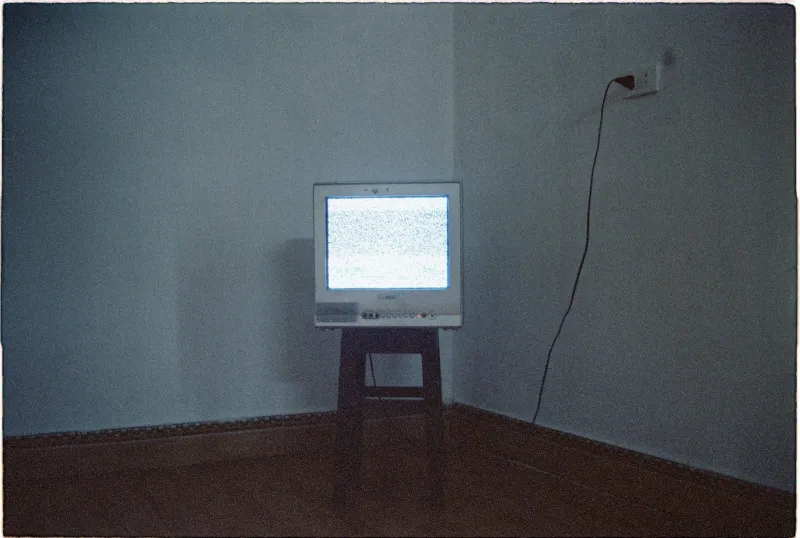
It's gone midnight. The dishwasher has finished, the dog is snoring, and the little white light on the set-top box is still glowing. Somewhere in the cabinet a streaming stick is holding a Wi-Fi connection for absolutely nobody, a box is downloading an update it already had, and a games console sits in rest mode like a car left idling on the drive.
This isn't a scandal. It's just how modern kit is built — permanently semi-awake so that pressing the power button gives you a picture in half a second rather than a spinning logo and a cup of tea. The fair question, as the nights draw in and the heating goes on, is what that readiness costs and whether you'd rather have the money.
Three flavours of 'off'
Before you can measure anything, it helps to know that most devices have more than two states.
- On. Screen lit, stream running, everything drawing what it needs.
- Standby, the lazy kind. The remote killed the picture, but the box is still on the network, still checking for updates, still listening in case you say something to it. This is where the watts hide.
- Standby, the honest kind. A near-dead state with no network radio, no background downloads, and a boot-up time to match.
The gap between the middle one and the last one is usually the whole story. A telly sitting in deep standby might sip half a watt. The same telly with quick start enabled can pull ten, fifteen, sometimes twenty watts around the clock — and that's the difference between pennies and a proper annual line item.
Get a plug meter, then get nosy
You don't need an electrician or a spreadsheet. You need a plug-in energy monitor, the sort that sits between the socket and the device and costs somewhere between a tenner and twenty quid online or in a DIY shop. It'll pay for itself the moment you discover which box in the corner is the greedy one.
How to actually use it:
- Plug the meter in, then plug the device into it.
- Leave it for a full 24 hours on a normal day. Note the kWh figure. That's your baseline, quirks and all.
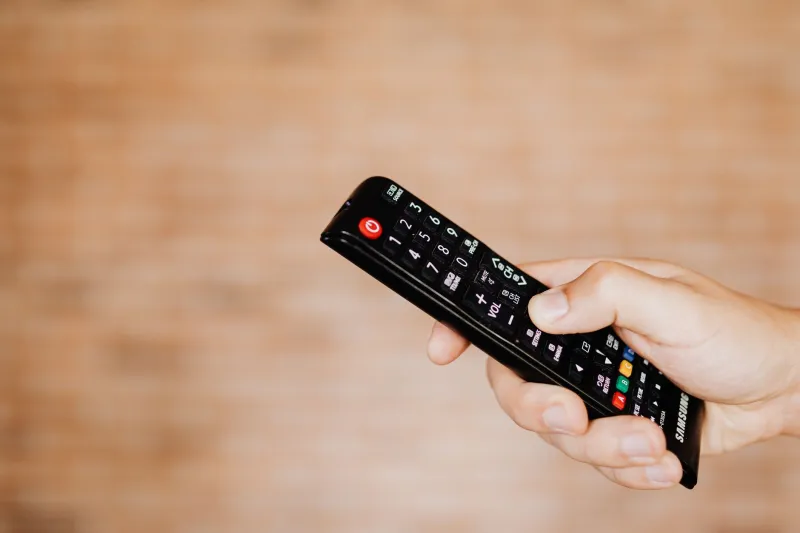
- Now test each state separately. Watch it while the telly's on. Hit the remote's power button, wait ten minutes, and read it again. Then switch it off at the wall for a minute and back on, and see whether it comes up in quick start or deep standby.
- Do the same for the stick, the console, the soundbar and the set-top box. Write the numbers on a sticky note, because you will forget them.
A smart meter won't do this job. Those in-home displays are built to show the whole house wobbling up and down, not to isolate one HDMI device in a cabinet.
What the numbers usually look like
Illustrative figures below, at roughly a quarter per kWh — check your own tariff, since the price cap moves and nobody's actually on the same deal. Measure your own kit; treat these as a sanity check, not gospel.
| Device | Idle draw | Rough annual cost |
|---|---|---|
| Streaming stick (Fire TV, Chromecast) on idle | 2–3W | £4–£7 |
| Smart TV, deep standby | 0.5W | about £1 |
| Smart TV, quick start enabled | 8–20W | £18–£44 |
| Set-top box / PVR in standby | 10–20W | £22–£44 |
| Console in instant-on or rest mode | 10–15W | £22–£33 |
| Soundbar or smart speaker, idle | 2–5W | £4–£11 |
The pattern is fairly consistent: the humble streaming stick is not the villain. The villains are the always-on set-top box with a hard drive spinning up at 3am, the console in rest mode, and the telly that never genuinely shuts down because someone once decided quick start was a feature.
The settings that actually do something
Fiddling with every toggle in the menu is a hobby, not a saving. Focus on these.
Kill quick start. Samsung calls it Instant On, LG has Quick Start+, Sony and Hisense and TCL all have their own variation. Turning it off costs you a slower boot — often 15 to 30 seconds — and buys back most of the standby draw. If you only change one thing, change this.
Turn off always-listening and wake-on-network. If your telly wakes up because a speaker in the kitchen asked it to, it needs a live network radio to do that. Disable it if you don't use voice control for the telly.
Set an auto-power-off timer. Nearly every smart TV will shut itself down after four hours of no input. It exists so the manufacturer can meet efficiency rules; you might as well let it work for you.
Pick energy saver mode on the console. Both current Xbox and PlayStation consoles offer a low-power state that gives up instant resume in exchange for a much smaller idle draw. If you game a few evenings a week, the trade is usually worth it.
Check the stick's power source. A streaming stick plugged into the telly's USB port dies when the telly dies — free saving, zero effort. One plugged into a mains adaptor keeps drawing power all night. Same device, two very different bills.
Leave the router alone. Unplugging it overnight is the classic false economy: slower reconnection in the morning, missed updates, and a household that mutinies by Tuesday.
Where the maths gets honest
Add it all up in a gadget-heavy living room — quick-start telly, set-top box, console in rest mode, a stick on a mains adaptor — and you're looking at something in the region of £60 to £100 a year. Across a larger household with a box in every room, more.
That's a decent takeaway, not a mortgage payment. Which means the right answer isn't to turn telly time into an audit exercise. It's to spend one Sunday afternoon measuring, change three settings, and then forget about it entirely. A timer plug on the games console is about as much ongoing effort as anyone should tolerate.
And do ignore the plug-in gadgets marketed as 'electricity savers'. If a device claims to cut your bill by cleaning up the power supply, it's selling you a capacitor and a nice box. The meter, the menu and the off switch are the only tools you need.
The bottom line
Your streaming kit isn't secretly bankrupting you, but it's not free either. Most UK homes could claw back a few dozen quid a year with about twenty minutes of menu-diving, and the biggest single win is usually the telly that never quite goes to sleep. Measure first, change the one or two settings that matter, and go back to watching the telly rather than worrying about it.